Dayspark
Count down to the days that matter. Create a countdown for any date, see it on your Home Screen or Lock Screen, and get reminded before it arrives. Completely free, no ads, no account.
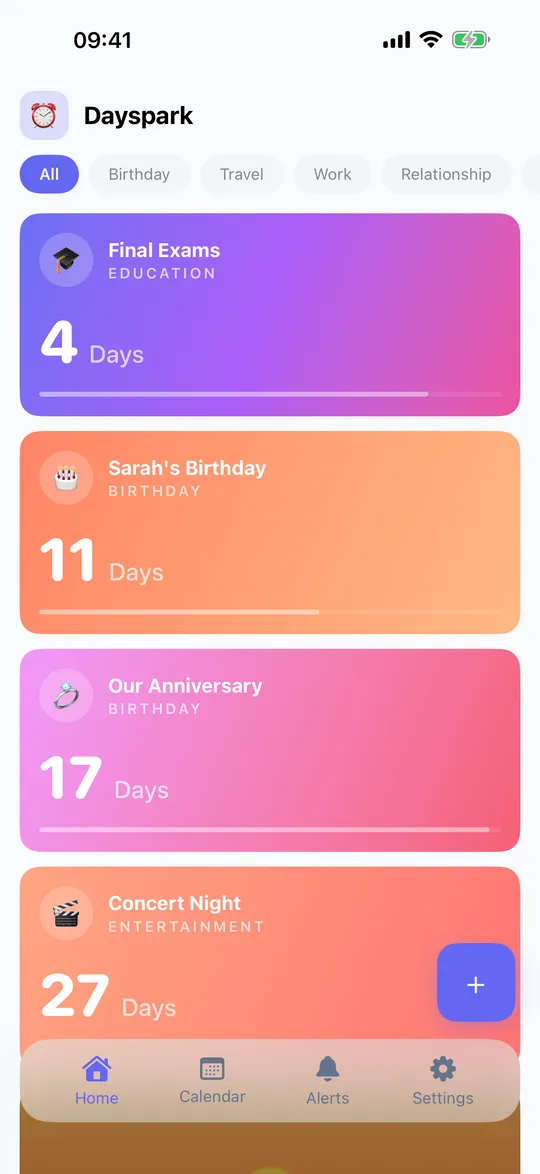
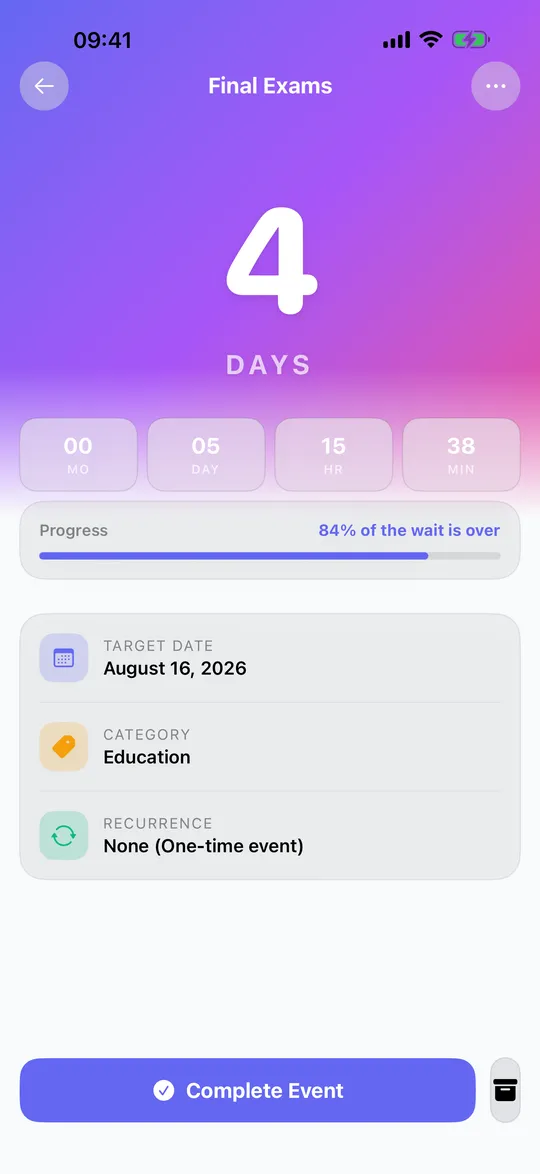
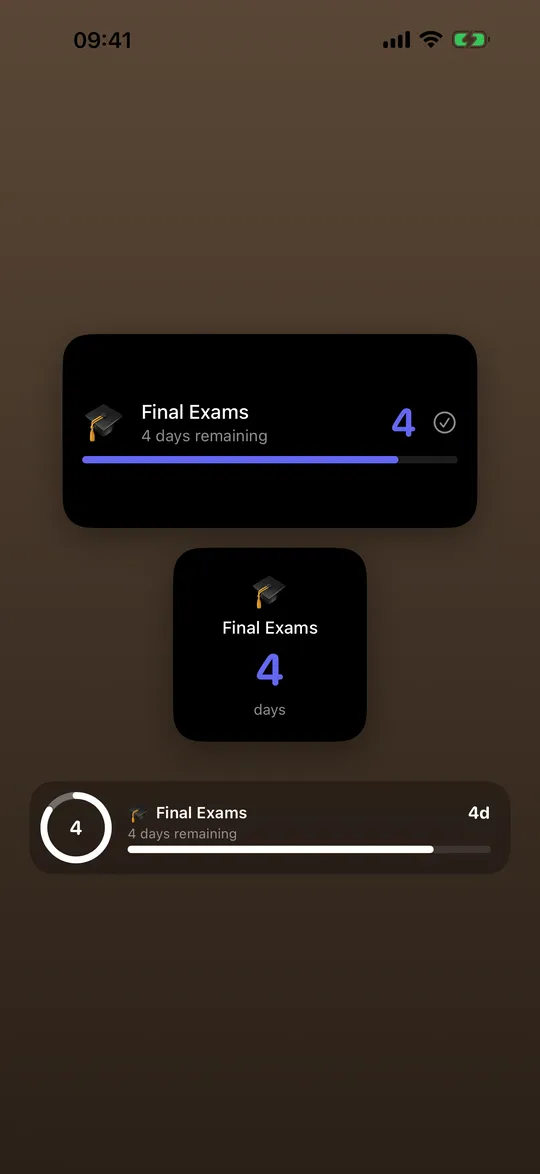
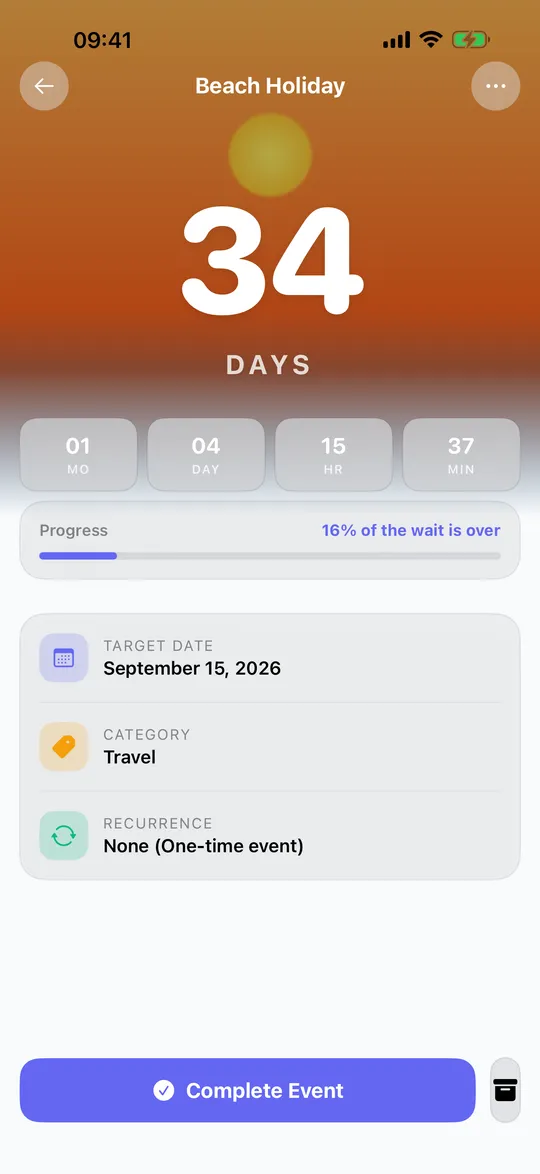
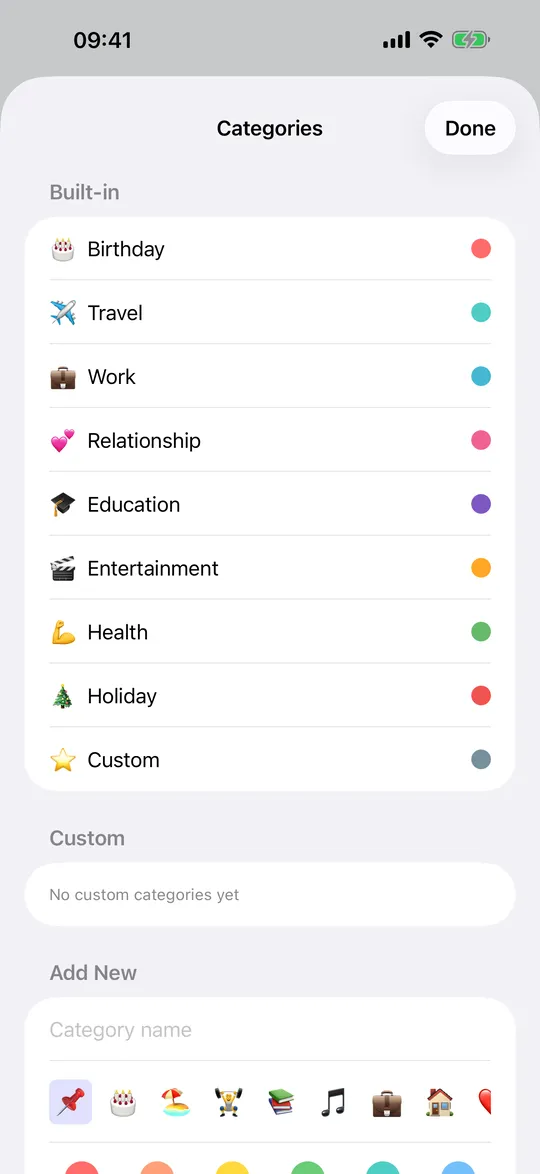
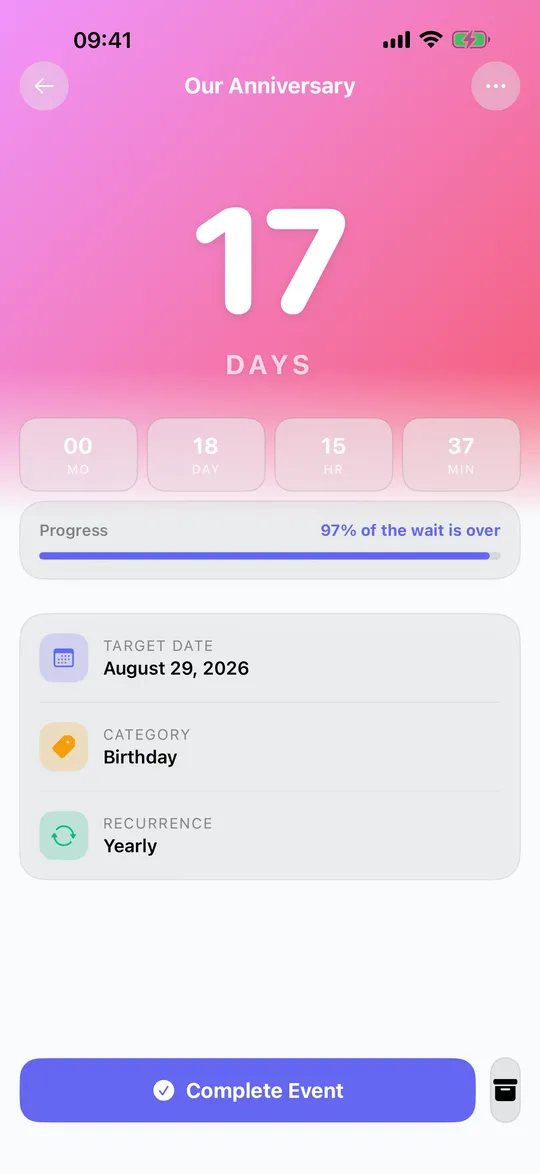
What you get
Any date, any unit
- Birthdays, weddings, trips, exams, retirement and more
- See days, hours, minutes and seconds
- Count up to see the days since an event
Widgets and Live Activities
- Home Screen and Lock Screen widgets that update on their own
- StandBy support and Live Activities on iPhone
- Home screen widgets on Android
Reminders
- Get notified a week before, a day before or on the day
- Reminders are scheduled on your device
- Import events from your calendar
Make it yours
- Custom colors, gradients and background photos
- Categories with color coding
- Light and dark themes, more than 70 languages
Recurring events
- Yearly birthdays and anniversaries reset by themselves
- Monthly calendar view of everything coming up
- Share a countdown with a link
Your events stay on your device
No account and no sign-up. Your countdowns, photos and settings are stored on your device, and we run no server that receives them. There are no ads and no analytics or crash-reporting SDKs. See the privacy policy.
Free and Premium
Dayspark is completely free. No ads, no subscription, no in-app purchases. Every widget, theme and feature is unlocked for everyone.
Questions
Do I need an account?
No. There is no registration and no login.
Is it really free?
Yes. Since version 1.3 there are no ads, no subscription and no in-app purchases. Everything is unlocked.
Does it work offline?
Yes. Countdowns, widgets and reminders all work without internet.
How do I add a widget?
On iPhone, touch and hold the Home Screen, tap the plus button and search for Dayspark. For the Lock Screen, touch and hold it and choose Customize. On Android, touch and hold the Home Screen and pick Widgets.
Can I share a countdown?
Yes. Open an event and use Share. The link contains the event details, so the other person sees the countdown in a browser or opens it in Dayspark.
Can I count days since something?
Yes. Past dates show the time that has passed, for example days since a milestone.